

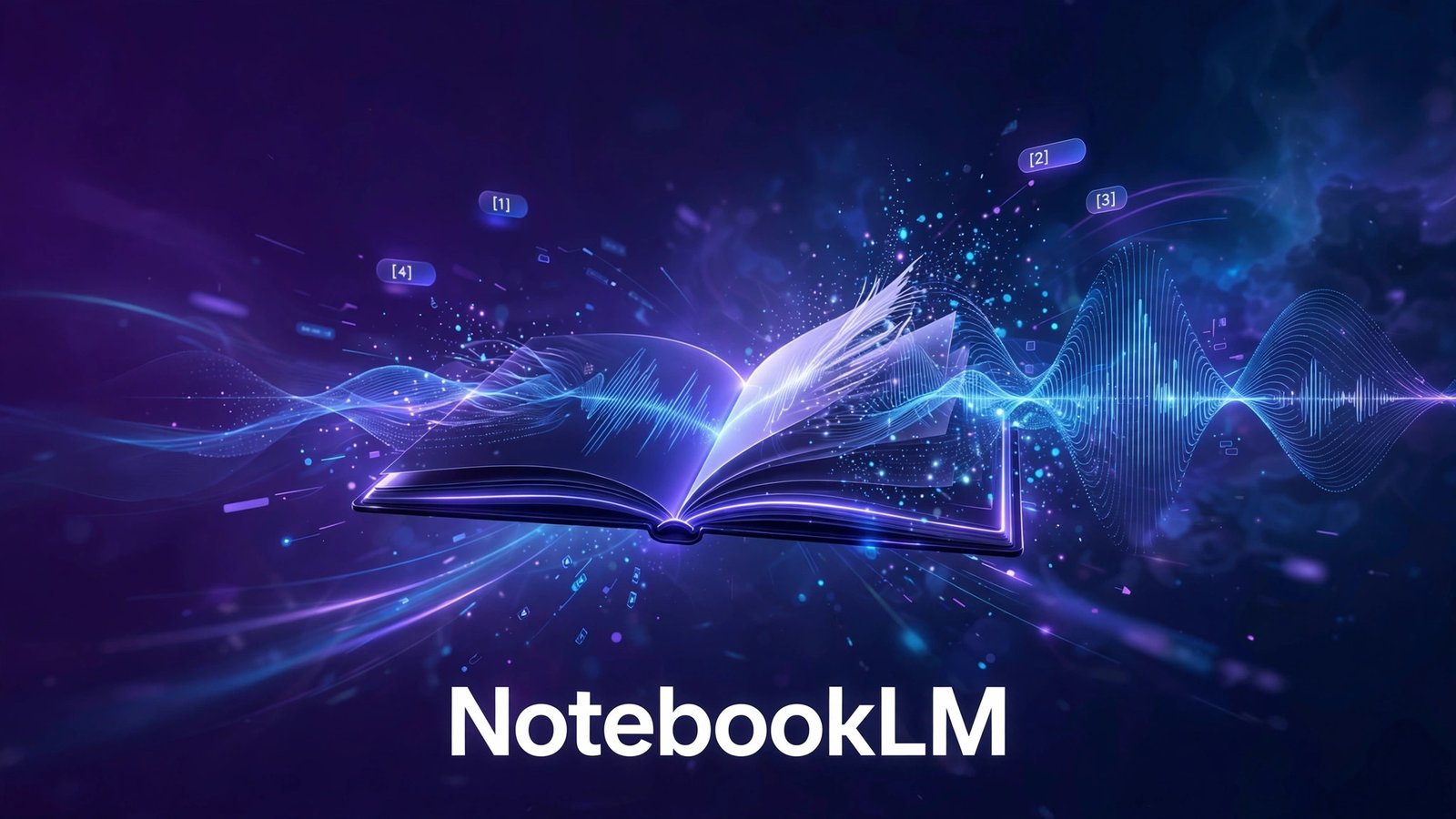
NotebookLM (Gemini Notebook) Overview
This NotebookLM review covers Google’s most trusted AI research tool as it stands in 2026 — now renamed Gemini Notebook (July 2026; same product, notebooklm.google.com redirects to the new home). The rename has confused some users, so to be clear: if you loved NotebookLM, it still exists, just under Google’s Gemini branding. What has not changed is the core idea that made it famous: an AI that answers only from your sources, cites every claim, and says “that’s not in your sources” instead of hallucinating.
What is NotebookLM (Gemini Notebook)?
NotebookLM is Google’s source-grounded AI research notebook. You create a notebook, add up to 50 sources on the free tier — PDFs, Google Docs, websites, YouTube videos, even audio — and then chat with an AI that reasons exclusively over that material. Every answer carries inline citations to the exact passages it used. It is the philosophical opposite of a general chatbot: instead of knowing a little about everything (and inventing the rest), it knows your documents deeply and admits what it does not know.
The headline features are the Overviews. Audio Overviews turn your sources into a two-host podcast-style briefing — Deep Dive, Brief, Critique, or Debate formats — so you can absorb a 200-page report on a commute. Video Overviews do the same visually in styles like Scientific, Professional, Editorial, and Sketch Note (cinematic Veo 3-powered versions are reserved for the Ultra tier). Beyond that: Deep Research pulls verified web points into structured reports, and study tools generate flashcards, quizzes, mind maps, slide decks, infographics, and data tables from your material. Everything runs on Gemini 3 with a ~1M-token context window — up to 500,000 words per source — on every tier including free.
Adoption has been explosive: Google reported 30M+ users and 600K+ organizations by July 2026, and it shows in the polish. Notebook sharing works via link or with specific Gmail users, making it a genuine collaboration tool for research teams, not just a solo study aid.
NotebookLM Pricing in 2026
The Free tier is $0 and remarkably generous: 100 notebooks, 50 sources per notebook, 50 chat queries a day, 3 Audio/Video Overviews a day, and ~10 Deep Research sessions a month — no card, no trial. Most students and researchers never need more.
Paid access is never sold standalone; it comes bundled with Google AI subscriptions. Plus (via Google AI Plus, $4.99/month or $49.99/year — cut from $7.99 in June 2026) raises limits to 200 notebooks, 100 sources each, and 200 chats a day. Pro ($19.99/month) offers 500 notebooks, 300 sources each, 500 chats a day, ~20 Deep Research sessions daily, plus 5TB of Google storage and Gemini across Google apps. Ultra ($99.99–199.99/month) is the only tier with cinematic Video Overviews. Google Workspace Business Standard and up includes Plus-level access — check your existing plan before paying separately.
Who Should Use NotebookLM?
NotebookLM is the best pick for students, academics, lawyers, analysts, and journalists — anyone whose work lives in documents and who needs answers they can cite. If hallucination risk keeps you from trusting AI with real work, this is the tool that solves it. Podcast-style Audio Overviews alone justify a look for commuters and auditory learners.
It is a weaker fit if you need open-ended brainstorming or current-events coverage (it only knows your sources), if you need an API for automated pipelines (none exists as of 2026), or if you refuse Google lock-in — a Google account is mandatory and your research lives on Google’s servers.
Audio and Video Overviews: the Killer Feature
The Overviews deserve their reputation. Upload a dense research paper, a 3-hour lecture recording, or a folder of interview transcripts, and the Audio Overview returns a two-host podcast conversation — with back-and-forth, follow-up questions, and even light humor — that genuinely teaches the material. The four formats serve different needs: Deep Dive for thorough understanding, Brief for the five-minute version, Critique for adversarial review, Debate for seeing both sides argued. For students, this turns reading lists into commutes; for executives, it turns 200-page reports into 10-minute briefings.
Video Overviews extend the same idea visually. The Scientific style renders explainer-style visuals over your content; Editorial feels like a news segment; Sketch Note draws the concepts live. They are not Hollywood productions, but as study aids they are remarkably effective — and the Ultra tier’s cinematic Veo 3 versions point to where this is heading. The free tier’s 3 Overviews per day is enough for daily use, which is generous by any standard.
NotebookLM vs Perplexity and ChatGPT
Against Perplexity, the split is clean: Perplexity answers from the live web with citations; NotebookLM answers from your documents with citations. Researchers need both — Perplexity to discover sources, NotebookLM to master them. Against ChatGPT’s Deep Research, NotebookLM wins on source fidelity (it never pretends your documents say things they do not) and on the free tier; ChatGPT wins on autonomous multi-step web research and breadth. Against traditional note apps with AI (Notion AI, Mem), NotebookLM wins decisively on citation-grounded trustworthiness. If your work product must be defensible — a thesis, a legal memo, a due-diligence report — NotebookLM is the only AI research tool in this list built for that standard.
Our Verdict on NotebookLM
This NotebookLM review lands at 4.8 out of 5 — our highest research-tool score. For trustworthy, citable AI research the competition is not close, and the free tier is absurdly generous. It loses fractions only for the missing API and the Google-account requirement.
The bottom line: the AI research tool you can actually cite. Compare it with Perplexity AI and Consensus in our AI Research Tools category.
Key Features
- Source-grounded answers with inline citations to exact passages
- Refuses to hallucinate — says 'not in your sources' when unsure
- Audio Overviews: two-host podcast briefings in 4 formats
- Video Overviews in Scientific, Professional, Editorial, Sketch Note styles
- Deep Research pulling verified web points into structured reports
- Study tools: flashcards, quizzes, mind maps, slide decks, infographics
- ~1M-token context on every tier; up to 500,000 words per source
- Notebook sharing via link or with specific Gmail users
NotebookLM (Gemini Notebook) Pricing
| Plan | Price |
|---|---|
| Free | $0 |
| Plus (via Google AI Plus) | $4.99/mo |
| Pro (via Google AI Pro) | $19.99/mo |
| Ultra (via Google AI Ultra) | from $99.99/mo |
Last updated on September 21, 2026 — always confirm on the official site.
NotebookLM (Gemini Notebook) Pros & Cons
✓ Pros
- Best-in-class research reliability: citations on every claim, minimal hallucination
- Free tier is genuinely generous — 100 notebooks and 1M context at $0
- Audio/Video Overviews turn dense PDFs into briefings — a killer differentiator
- Tight Google ecosystem integration (Drive, Docs, Gmail, Gemini app)
✕ Cons
- No API as of 2026 — browser-only, so it cannot be wired into automated workflows
- Useless outside your uploaded sources: weak for current events or open-ended questions
- Requires a Google account — full Google lock-in, research data lives on Google's servers
- Paid tiers only make sense with the bundled Google AI benefits; limits are the only real upgrade
NotebookLM (Gemini Notebook) FAQs
Is NotebookLM free?
Why is it called Gemini Notebook now?
How much does NotebookLM Plus/Pro cost?
NotebookLM vs ChatGPT for research?
Does NotebookLM have an API?
Best NotebookLM (Gemini Notebook) Alternatives

Heptabase review 2026 — visual knowledge base with AI research help, whiteboards and PDF highlights. Pro from $8.99/mo.


SciSummary review 2026 — AI summaries of research papers with figures analysis, chat and multi-paper comparison. Free trial, Pro from $12.50/mo.

genei
★★★★☆genei reviewed for 2026 — AI summarization and research assistant for PDFs and papers. Trial available, from £9.99/mo. Honest features and verdict.

Yila AI
★★★★☆Yila AI reviewed for 2026 — evidence-traceable research agent for literature reviews, PDFs, figures and slides. Plans from $20/mo. Pros, cons, verdict.